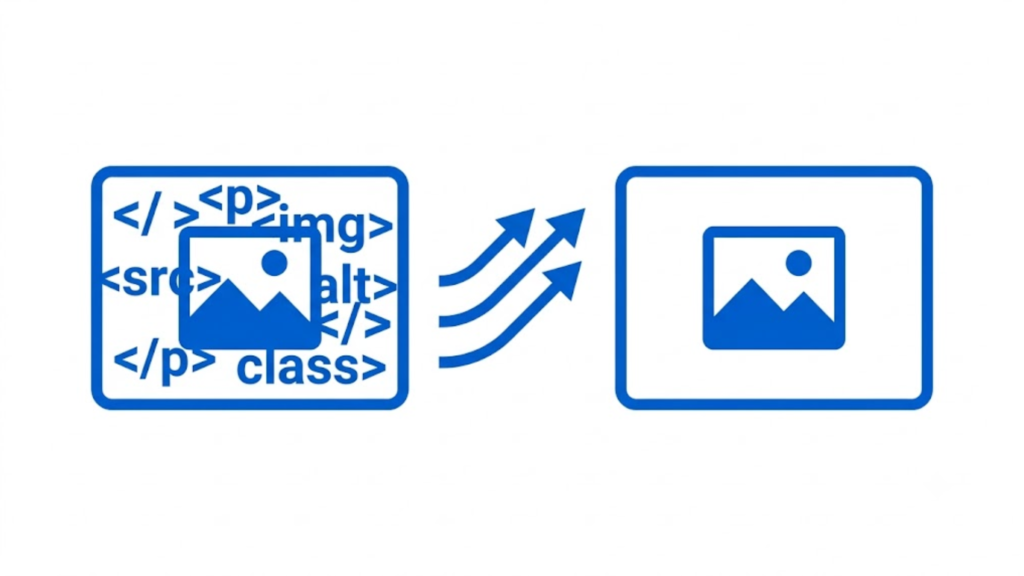
The main difference between HTML and CSS is their purpose in building a webpage. HTML (HyperText Markup Language) defines the structure and content of a webpage, while CSS (Cascading Style Sheets) controls how that structure and content look and are presented. HTML determines what elements exist on a page, such as headings, paragraphs, images, links, tables, forms, and buttons. CSS determines their appearance, including colors, fonts, spacing, sizing, alignment, positioning, and responsive layout.
HTML and CSS are commonly used together, but they perform different jobs. HTML provides the page’s structure and meaning, while CSS provides its visual presentation.
HTML Defines the Structure and Content
HTML is a markup language used to create the structural elements of a webpage. It tells the browser what each part of the document represents.
For example, an HTML document can contain a heading:
<h1>My Website</h1>
It can also contain a paragraph:
<p>This is a paragraph on my website.</p>
Other common HTML elements include:
<a href="https://example.com">Visit Example</a>
<img src="image.jpg" alt="Example image">
<button>Submit</button>
These elements define the actual content and structure of the page. HTML can identify a heading as a heading, a paragraph as a paragraph, an image as an image, and a link as a link.
HTML also provides semantic structure through elements such as <header>, <nav>, <main>, <section>, <article>, <aside>, and <footer>. This structure helps browsers, search engines, assistive technologies, and developers understand the organization and meaning of the page.
However, HTML by itself generally does not provide detailed control over modern visual design. It can create the elements, but CSS is used to determine how those elements should appear.
CSS Controls the Visual Presentation
CSS is a stylesheet language that controls the presentation of HTML elements. It can change the appearance and layout of the content without changing the underlying HTML structure.
For example, the HTML heading:
<h1>My Website</h1>
can be styled with CSS:
h1 {
  color: red;
  font-size: 40px;
  text-align: center;
}
The HTML still contains the same heading, but CSS changes how it is displayed.
CSS can control properties such as:
- Text color
- Font family
- Font size
- Font weight
- Background colors
- Borders
- Width and height
- Margins and padding
- Element positioning
- Alignment
- Grid and Flexbox layouts
- Animations and transitions
- Responsive behavior
CSS is therefore responsible for much of the visual design users see when they visit a website.
HTML vs. CSS: The Core Difference
The simplest way to understand the difference is to think of a webpage as a building.
HTML is the structure of the building. CSS is the design and presentation of that structure.
HTML determines that a page has a heading, navigation menu, paragraphs, images, and buttons. CSS determines whether the heading is large and centered, whether the navigation is horizontal, how much space appears between sections, and what colors and fonts are used.
For example:
<h1>Welcome to Our Website</h1>
<p>We provide web development services.</p>
The HTML defines the content.
CSS could then style it:
h1 {
  font-size: 42px;
  margin-bottom: 10px;
}

p {
  font-size: 18px;
  line-height: 1.6;
}
The HTML remains responsible for the content and structure, while CSS changes the presentation.
Key Differences Between HTML and CSS
| HTML | CSS |
|---|---|
| Defines webpage structure | Defines webpage presentation |
| Contains content and elements | Controls appearance and layout |
| Uses tags and elements | Uses selectors, properties, and values |
| Defines headings, paragraphs, links, images, forms, etc. | Controls colors, fonts, spacing, positioning, sizing, etc. |
| Provides semantic meaning and document structure | Provides visual styling and responsive presentation |
Example: <h1> | Example: font-size: 40px; |
HTML and CSS also have different syntax.
HTML generally uses elements such as:
<p>Hello</p>
CSS uses a selector followed by declarations:
p {
  color: blue;
}
In this example, p selects the HTML paragraph elements, while color: blue; tells the browser how to display them.
Can HTML Work Without CSS?
Yes. A webpage can be created using only HTML. The browser will still display the document and its content using its built-in default styles.
For example, an HTML page can contain headings, paragraphs, links, lists, and images without any CSS file. It will function as a webpage, but its design and layout will generally be much simpler.
CSS is not required for HTML to exist or render, but modern websites commonly depend on CSS for professional presentation, consistent design, responsive layouts, and user interfaces.
Can CSS Work Without HTML?
CSS needs elements to style. In normal webpage development, those elements are provided by HTML.
For example:
p {
  color: green;
}
This rule has an effect when the webpage contains paragraph elements such as:
<p>This is text.</p>
Without HTML elements or another document structure containing styleable elements, CSS has nothing meaningful to style.
HTML and CSS Work Together
A modern webpage normally uses both technologies together.
HTML creates the document structure:
<h1>About Us</h1>
<p>We build websites for businesses.</p>
CSS controls its presentation:
h1 {
  color: black;
  font-size: 36px;
}

p {
  color: #444;
  line-height: 1.6;
}
The browser processes the HTML to construct the page structure and applies the CSS rules to determine how the elements should be presented.
It is also important to understand that HTML and CSS are not programming languages in the same sense as JavaScript, Python, or Java. HTML is a markup language, and CSS is a stylesheet language. JavaScript is commonly added when a website needs behavior and interaction, such as dynamic updates, dropdown menus, form validation, or other application logic.
Final Answer
HTML defines what a webpage contains and how its content is structured. CSS defines how that content looks and how it is laid out. HTML creates elements such as headings, paragraphs, links, images, forms, and sections, while CSS controls their colors, fonts, spacing, sizing, positioning, and responsive design.
In simple terms, HTML is responsible for structure and content; CSS is responsible for presentation and visual design. They are separate technologies, but they are normally used together to build complete webpages.
Relevant Guide
How To Create A Banner In Html
How To Insert A Horizontal Line In Html
What Is The Correct Html For Adding A Background Colour
How To Convert Html To Powerpoint
How To Convert Ipynb To Html
How To Link An Email In Html
How To Open A Link In A New Tab Html
How To Upload Html File To WordPress
How To Add Schema Markup To Html
How To Call A Function In Javascript From Html
How To Center An Iframe In Html
How To Change Plain Text Email To Html