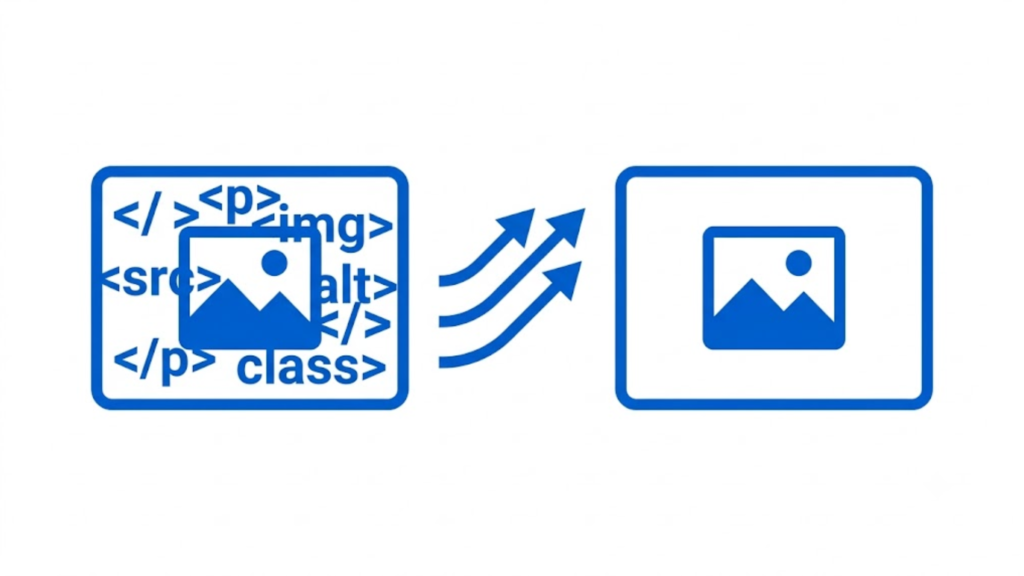
To change a plain text email to HTML, convert the text into an HTML email structure using elements such as <p>, <h1>, <a>, <strong>, <br>, and optional inline CSS. The finished message must then be sent as HTML rather than as a text/plain email. For reliable email delivery, it is also best to include the original plain-text version as a fallback.
What is a plain text email?
A plain text email contains only readable text without HTML formatting. It cannot normally include styled headings, colored text, custom spacing, buttons, structured layouts, or formatted images.
For example, a plain text email may look like this:
Hello John,

Thank you for contacting us.

Visit our website:
https://example.com

Best regards,
The Example Team
An HTML version can provide the same information with structured paragraphs, a clickable link, typography, spacing, and other supported formatting.
How to convert plain text email to HTML manually
The simplest method is to place the plain text into a basic HTML structure.
For example, this plain text:
Hello John,

Thank you for contacting us.

Visit our website:
https://example.com

Best regards,
The Example Team
can become:
<!DOCTYPE html>
<html>
<body>
  <p>Hello John,</p>

  <p>Thank you for contacting us.</p>

  <p>
    Visit our website:
    <a href="https://example.com">https://example.com</a>
  </p>

  <p>Best regards,<br>
  The Example Team</p>
</body>
</html>
The important step is not simply adding <html> and <body>. The actual text needs to be converted into meaningful HTML elements.
Use <p> for separate paragraphs, <strong> for important text, <em> for emphasis, <a> for links, and <br> only when you specifically need a line break.
Convert plain text links into clickable links
Plain text URLs should normally be converted into HTML links.
Instead of:
Visit https://example.com for more information.
use:
<p>
  Visit <a href="https://example.com">example.com</a> for more information.
</p>
This makes the link clickable and gives you control over its display text.
Add formatting with inline CSS
HTML email allows styling, but email clients do not support web CSS in exactly the same way as modern browsers. For that reason, simple inline CSS is generally more reliable than depending on external stylesheets.
Example:
<p style="font-family: Arial, sans-serif; font-size: 16px; line-height: 1.6;">
  Thank you for contacting us.
</p>
You can use inline CSS for common properties such as font size, font family, color, background color, borders, padding, and alignment.
Avoid building the email like a normal website with complex JavaScript, interactive elements, or CSS features that are poorly supported by email clients.
Create HTML email buttons
A button can be created with an HTML link styled to look like a button:
<a href="https://example.com"
   style="display:inline-block;padding:12px 20px;
          background:#000;color:#fff;text-decoration:none;
          border-radius:4px;">
  Visit Our Website
</a>
For important commercial email layouts, HTML email designs often use tables because table-based structures remain broadly compatible with different email clients.
How to send the converted HTML email
Changing the content to HTML is only part of the process. Your email-sending system must also identify the message as HTML.
An email’s MIME content type distinguishes HTML from plain text. A plain-text message normally uses:
Content-Type: text/plain
An HTML message uses:
Content-Type: text/html
When sending email programmatically, the library or SMTP system should therefore be configured to send the HTML body as HTML rather than treating the markup as ordinary text.
For example, conceptually:
Subject: Welcome
Content-Type: text/html

<html>
<body>
<p>Hello John,</p>
<p>Welcome to our website.</p>
</body>
</html>
For production email, a multipart/alternative message is preferable because it can contain both versions: an HTML version for clients that support HTML and a plain-text version for clients or configurations that prefer plain text.
What if you use Gmail or another email editor?
You do not always need to write the HTML yourself. Many email applications have a rich-text or formatting mode. When you use bold text, links, lists, colors, or other formatting in a supported editor, the application can generate the HTML representation automatically.
However, Gmail and similar editors are not the same as an HTML source editor. If you need complete control over the underlying email HTML, you generally need an email template, an HTML editor, or an email-sending platform that accepts HTML source code.
Important HTML email limitations
HTML email is not equivalent to a normal web page. Different clients, including Gmail, Outlook, Apple Mail, and others, can render the same HTML differently.
For better compatibility:
Use simple HTML structures and inline CSS. Keep the layout responsive and avoid unnecessary scripts. Use HTTPS image URLs or an appropriate email image-embedding method. Add meaningful alt text to images because some recipients may have images disabled. Test the final message in multiple email clients before sending it at scale.
Also, never assume that converting every line break into <br> produces the best result. Paragraphs, lists, headings, and links should be represented with the appropriate HTML elements.
The correct way to convert plain text email to HTML
The process is straightforward:
- Start with the existing plain-text content.
- Separate the content into paragraphs, headings, lists, and links.
- Replace plain URLs with
<a>elements. - Add HTML tags for structure and formatting.
- Add simple inline CSS where necessary.
- Set the email content type to HTML.
- Include a plain-text version when sending a production email.
- Test the email across major email clients.
In other words, converting a plain text email to HTML means converting the content into structured HTML and then sending that HTML through an email system configured to recognize it as HTML. The conversion should preserve the original message while adding formatting, links, layout, and other email-safe elements.
Explore More Blogs
What Does Hr Stand For In Html
What Is The Difference Between Css And Html
How To Add An Image From A Folder In Html
How To Add Expires Headers In Html Catswhocode
How To Copy Html Code From A Website
How To Create A Banner In Html
How To Insert A Horizontal Line In Html
What Is The Correct Html For Adding A Background Colour
How To Convert Html To Powerpoint
How To Convert Ipynb To Html
How To Link An Email In Html
How To Open A Link In A New Tab Html
How To Upload Html File To WordPress
How To Add Schema Markup To Html