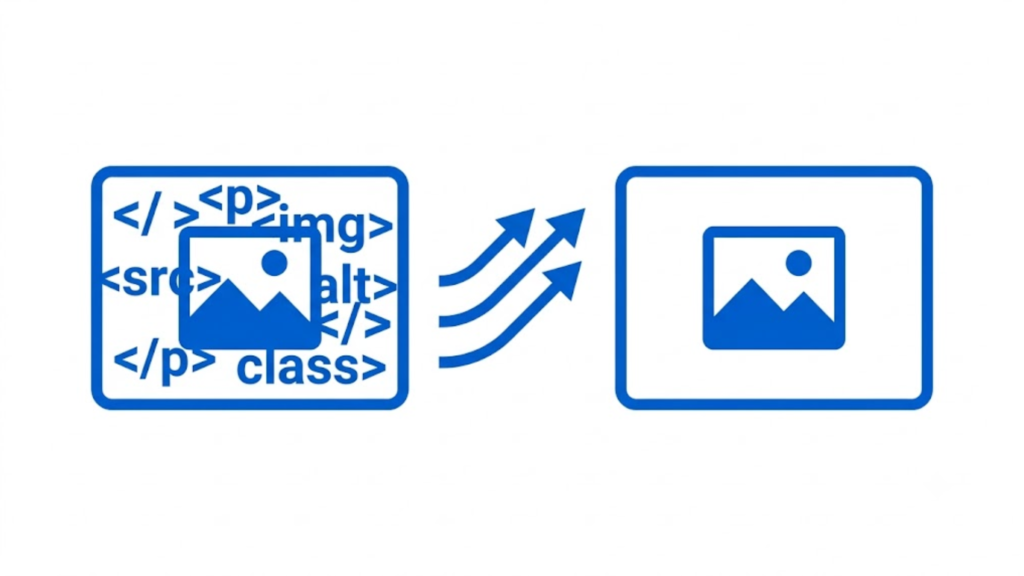
HTML objects are the DOM objects that represent HTML elements in a web page. Common examples include the document object, forms, images, links, tables, and individual form controls such as input, button, select, and textarea elements. JavaScript can access these objects and read or change their properties, attributes, content, and behavior.
HTML itself does not define a formal category called an “HTML object.” The term is commonly used when discussing JavaScript and the Document Object Model (DOM). When a browser loads a page, its HTML elements are represented in the DOM as objects that scripts can work with.
Common Examples of HTML Objects
1. Document Object
The document object represents the loaded HTML document and provides access to page content.
document.title = "New Title";
Here, JavaScript uses the document object to change the page title.
2. Form Objects
An HTML <form> element is represented in the DOM and can be accessed as an object. Form objects provide access to the form itself and its controls.
<form id="loginForm">
  <input type="text" name="username">
  <button type="submit">Login</button>
</form>
JavaScript can access the form with:
const form = document.getElementById("loginForm");
The form object can be inspected, modified, or used to handle submission events.
3. Image Objects
An <img> element becomes a DOM object, represented by an HTMLImageElement.
<img id="logo" src="logo.png" alt="Logo">
JavaScript can change its source:
document.getElementById("logo").src = "new-logo.png";
4. Link or Anchor Objects
An <a> element is represented as a DOM object, an HTMLAnchorElement.
<a id="homeLink" href="/">Home</a>
JavaScript can read or modify its href, text, classes, and other properties.
5. Table Objects
A <table> element is also represented as a DOM object. Related elements such as rows and cells have their own object types, including HTMLTableRowElement and HTMLTableCellElement.
For example:
const table = document.querySelector("table");
JavaScript can then access rows, cells, and table-related properties.
6. Form Control Objects
Individual form controls are common HTML DOM objects. Examples include:
<input>→HTMLInputElement<button>→HTMLButtonElement<select>→HTMLSelectElement<textarea>→HTMLTextAreaElement
For example:
const username = document.querySelector("#username");
username.value = "John";
The username variable refers to an object representing the <input> element.
HTML Elements Become DOM Objects
A useful way to understand HTML objects is to separate HTML source from the browser’s DOM representation.
Consider:
<p id="message">Hello</p>
The <p> tag is an HTML element in the source code. After the browser parses the page, that element is represented by a DOM object, typically an HTMLParagraphElement. JavaScript can then access that object:
const message = document.getElementById("message");
message.textContent = "Hello World";
So, in practical web development, an “HTML object” usually means an object representing an HTML element in the DOM.
Are window and navigator HTML Objects?
This distinction matters in multiple-choice questions. window and navigator are JavaScript browser objects, but they are not HTML element objects.
The window object represents the browser window or browsing context. The navigator object provides information about the browser and environment. They are part of the Web APIs available to JavaScript, not representations of HTML elements.
Similarly, the document object is broader than a single HTML element. It represents the complete document and provides access to the DOM.
How JavaScript Uses HTML Objects
JavaScript commonly works with HTML objects in four ways: selecting them, reading their properties, changing them, and responding to events.
For example:
const heading = document.querySelector("h1");

console.log(heading.textContent);

heading.textContent = "Welcome";

heading.addEventListener("click", function () {
  alert("Heading clicked");
});
The heading variable refers to a DOM object representing the <h1> element. JavaScript reads its content, changes it, and attaches an event handler.
The Direct Answer
If a question asks which options are examples of HTML objects, look for objects that represent HTML elements or document structures, such as forms, images, links, tables, input fields, buttons, and the document. These are commonly accessed through the DOM and manipulated with JavaScript.
Do not automatically treat every browser object as an HTML object. Objects such as window, navigator, location, and history are browser or Web API objects rather than HTML element objects.
Conclusion
Examples of HTML objects are DOM representations of HTML elements and document structures. Typical examples include form objects, image objects, link objects, table objects, input objects, button objects, select objects, textarea objects, and the document object. In modern JavaScript, these objects are usually described as DOM objects or element objects.
Therefore, for a multiple-choice question asking for examples of HTML objects, the safest correct choices are the options that represent actual HTML elements or the HTML document itself. The key distinction is simple: an HTML element in page markup becomes a DOM object that JavaScript can access and manipulate.
Why Not Read This?
How Long Does It Take To Learn Html
How To Convert Html To Excel
How To Embed A Google Form In Html
How To Get Html Code From A Website
How To Hide Text In Html
What Are Tags In Websites
What Does Hr Stand For In Html
What Is The Difference Between Css And Html
How To Add An Image From A Folder In Html
How To Add Expires Headers In Html Catswhocode
How To Copy Html Code From A Website
How To Create A Banner In Html